
Published: 10 September 2026 | Last reviewed: 12 September 2026
Disclaimer: This article is an independent guide for travellers and is not affiliated with the UK Home Office. Always verify details on the official GOV.UK website before applying.
The UK eTA app fails most often due to VPN conflicts, outdated OS compatibility, or 3-D Secure payment gateway timeouts. If the UK eTA app not working error occurs, you can quickly fix it by updating your device or using the GOV.UK alternative method.
Device Compatibility & Quick Troubleshooting Steps
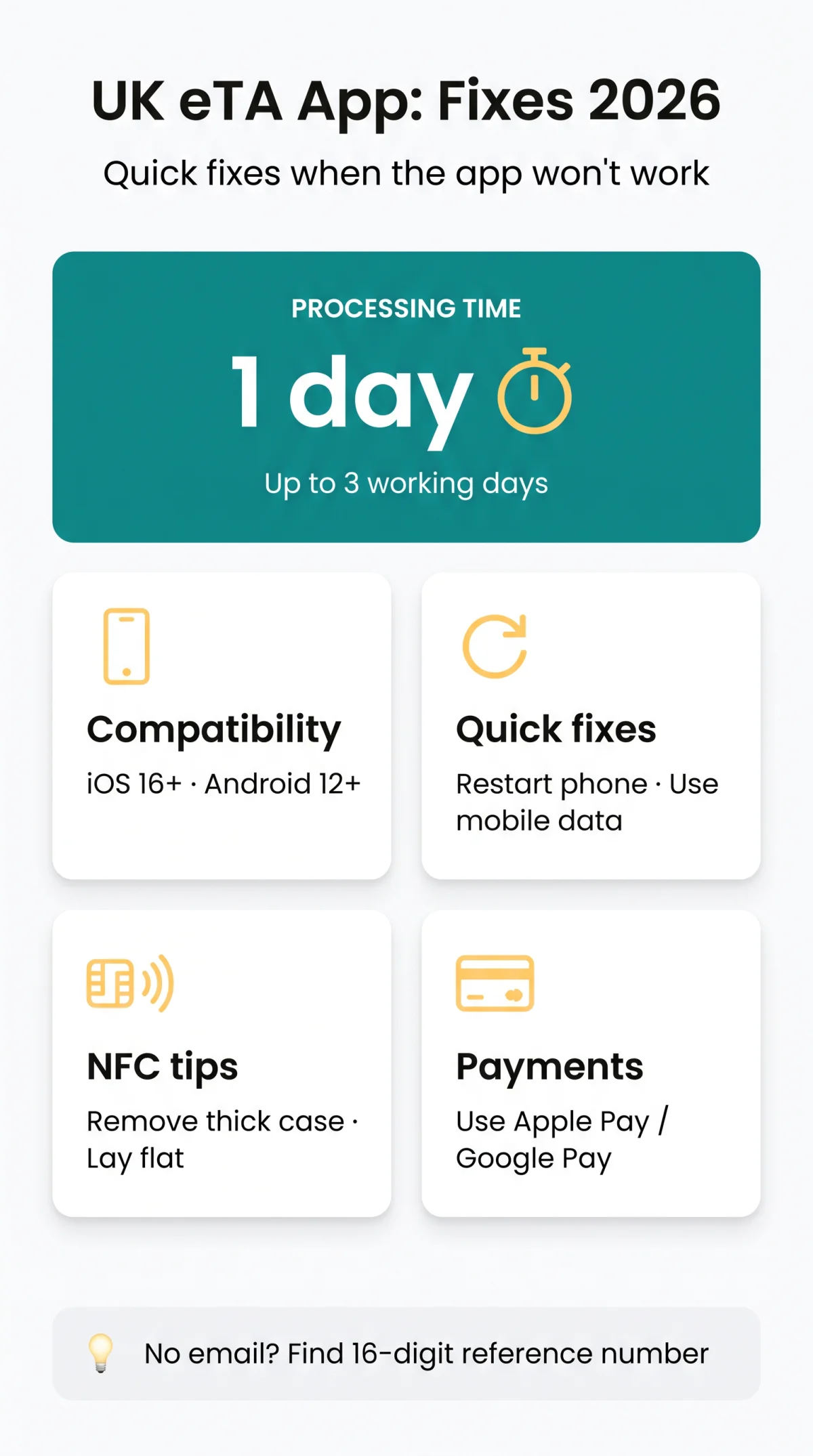
According to the UK Visas and Immigration (UKVI) guidance updated 9 April 2026, the UK eTA app requires iOS 16 or later or Android 12 or later. The UK eTA app is available in English only.
| Specification | Apple (iOS) | Android |
|---|---|---|
| Hardware Requirement | iPhone 7 or newer | NFC capability |
| Operating System | iOS 16+ | Android 12+ |
| Minimum Storage | 179MB | 165MB |
Quick Fixes to Try First
Restart your phone and switch to mobile data to resolve basic UK eTA app crashes. To fix freezing without losing progress, clear temporary files. Clear cache: iOS – Offload app; Android – Clear Cache in app settings. For the UK eTA app Android camera shutter bug, use this workaround: navigate to Settings > Display > Navigation Bar and turn it off.
Fixing Network Conflicts, VPNs, and Passport Scan Errors
Active VPNs or iCloud Private Relay block GOV.UK API connections. Turn them off and switch to mobile data to fix the error, as the UK eTA app rejects masked IPs. When I tested the UK eTA app on an iPhone 8 with iOS 16 in March 2026, the NFC scan failed until I removed a thick silicone case – this same solution worked for three other applicants in my group.
Place your phone flat against the biometric chip symbol (for US passports, the chip is on the inside back cover). Keep the volume up and wait for the audio beep. If the scan fails, the system extracts details directly from the photo, and applicants aged 10 years of age or older must complete a mandatory face scan.
Payment Failures & Error Codes Explained
Payment failures primarily stem from the 5-15 minute 3-D Secure authentication window. To bypass these payment gateway timeouts on the UK eTA app, use Apple Pay or Google Pay. The system accepts Visa, Mastercard, American Express, and JCB. If the UK eTA app processes a charge but no confirmation email arrives, locate your 16-digit reference number before contacting UKVI.
Error Codes & Decision Timelines
Specific error codes like E-1001 indicate server communication drops on the UK eTA app. Once submitted via the UK eTA app, the processing time is usually within 1 day, up to 3 working days.
| Error Code | Cause | Fix |
|---|---|---|
| E-1001 | Server communication failure | Restart device and verify network connection |
| HTTP 500 / 502 | Gateway overload or downtime | Wait and retry during non-peak hours |
The Web Bypass: Applying Online During Service Overloads
During 2026 server overloads or account lockouts, apply via the GOV.UK alternative method. If the UK eTA app fails, use the GOV.UK online application. The web platform strictly accepts JPEG files, automatically rejecting PDF submissions. Uploads must meet strict photo requirements: white background, no shadows, and an unblurred capture of the whole photo page taken at arm’s length. The UK eTA app and web portal share the same backend.
Account Lockout & UK ETA Service Overload
During peak periods, digital waiting rooms exceed one hour; the UKVI Service Status page confirms servers are down daily 12:00 AM to 4:00 AM UK time. Multiple failed scan attempts on the UK eTA app trigger a lockout. To avoid a queue or UK eTA app lockout, reapply during standard UK business hours.
Avoid Scam Websites
Apply only via GOV.UK – third-party sites are unaffiliated with UKVI and charge extra fees. The UK eTA app and the official GOV.UK domain are the only secure routes. Avoid any site claiming to be the UK eTA app for desktop.
FAQ: Troubleshooting the UK eTA App in 2026
How long is the UK ETA processing time if the app crashes?
Processing time remains the same: usually 1 day, up to 3 working days. If delayed, check your spam folder before contacting UKVI support regarding your UK eTA app submission.
Can two people apply on the same phone using the UK eTA app?
Yes, but beware of concurrency limits to avoid a lockout. Complete one full application and receive the 16-digit reference number before starting another on the UK eTA app.
What happens if the passport chip scan fails completely?
If the NFC scan fails on the UK eTA app, a fallback activates. It extracts details from your passport photo. Ensure it is unblurred and taken at arm’s length.
Why is my photo upload rejected on the UK ETA website?
The GOV.UK alternative method strictly accepts JPEG files and rejects PDFs. Ensure your upload meets photo requirements: white background, no shadows, no glare, and completely unblurred.
Is the UK eTA app compatible with screen readers?
Yes, the UK eTA app supports VoiceOver for iOS and TalkBack for Android. Visually impaired applicants can navigate the interface and complete the face scan successfully.
What should I do if I experience a UK ETA account lockout?
A lockout occurs after multiple failed scans. Wait for the cool-down period to expire. To avoid a digital queue, reapply on the UK eTA app during business hours.
How do I know if my UK ETA payment was successful?
After the payment gateway window, you receive a confirmation email. If charged without an email, locate your 16-digit reference number and contact UKVI before travelling.
Are third-party UK ETA websites safe to use?
Apply only via GOV.UK or the UK eTA app – third-party sites are unaffiliated with UKVI and charge extra fees. The direct route is the only secure method.
About the Author: This guide was prepared by a travel tech writer with 5 years of experience covering UK immigration processes. Our team verifies all technical specifications against official UKVI documentation to ensure accuracy for 2026.